One sentence
141 charactersFlowplan is an open-source workspace for documents, databases, whiteboards and a journal – self-hosted in one container or hosted in Germany.
Press and brand
Logo, colours, type, screenshots and texts about Flowplan – for articles, talks and everyone writing about the project.
To use in articles and profiles – in three lengths.
Flowplan is an open-source workspace for documents, databases, whiteboards and a journal – self-hosted in one container or hosted in Germany.
Flowplan is an open-source workspace for teams: documents, databases with 10 views, whiteboards, a daily journal, projects and surveys in one page tree – together and live. It runs self-hosted as a single Docker container with SQLite, or hosted on servers in Germany at app.flowplan.org. AI is optional and off by default, completely local if you like. No tracking, entirely under the AGPL-3.0.
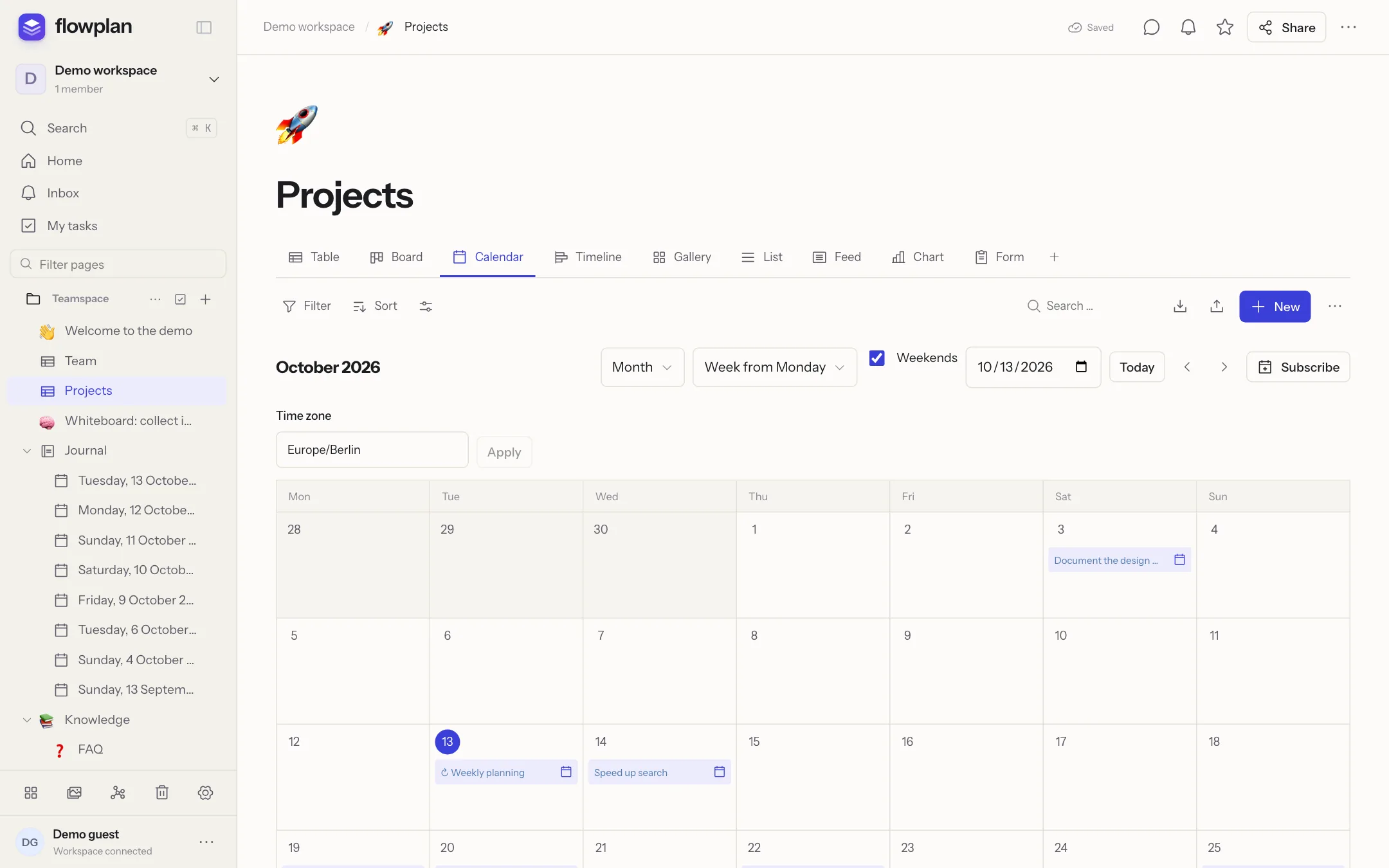
Flowplan is an open-source workspace for documents, databases, whiteboards and a daily journal. Everything sits in one page tree: a block editor with tasks, formulas and diagrams, databases with 10 views such as table, board, calendar and timeline, projects with tickets and sprints, and surveys. Teams write together live, comment and share pages with guests or on the web.
Flowplan runs as a single Docker container with SQLite – no Postgres, no Redis, no external search service – or hosted on servers in Germany at app.flowplan.org. Desktop apps for macOS, Windows and Linux and a web app for phones come with it. AI is optional and off by default: completely local with Ollama or with your own key, and people decide which pages it may read.
Flowplan is completely open source under the AGPL-3.0 – no closed enterprise edition, no features behind a licence key. There is no tracking; data exports as Markdown, CSV and ZIP and imports from Notion, AppFlowy, Obsidian, Jira and Trello. The interface is available in English, German and French.
The icon – a solid plan on top, two layers flowing out beneath it – on an ultramarine tile, next to the wordmark in Instrument Sans. The lettering is outlined.



For favicons, avatars and small spaces.

Square without rounding – app stores and home screens round the corners themselves. The desktop apps carry the same icon.

One colour, e.g. for print and engraving.

One colour on photos and coloured areas.
For slides and articles: the logo centred on paper and on night, 2400 × 1260 px. Paper · Night
Paper and ink: warm neutrals and one confident ultramarine. Click HEX or RGB to copy the value.
#4146e6 → #6a3fe0Three free typefaces under the SIL Open Font License 1.1 – Flowplan serves them itself, without an external font service.
Everything you work on.
Open source – hosted by us or by you.
docker run ghcr.io/yannicschuller/flowplan
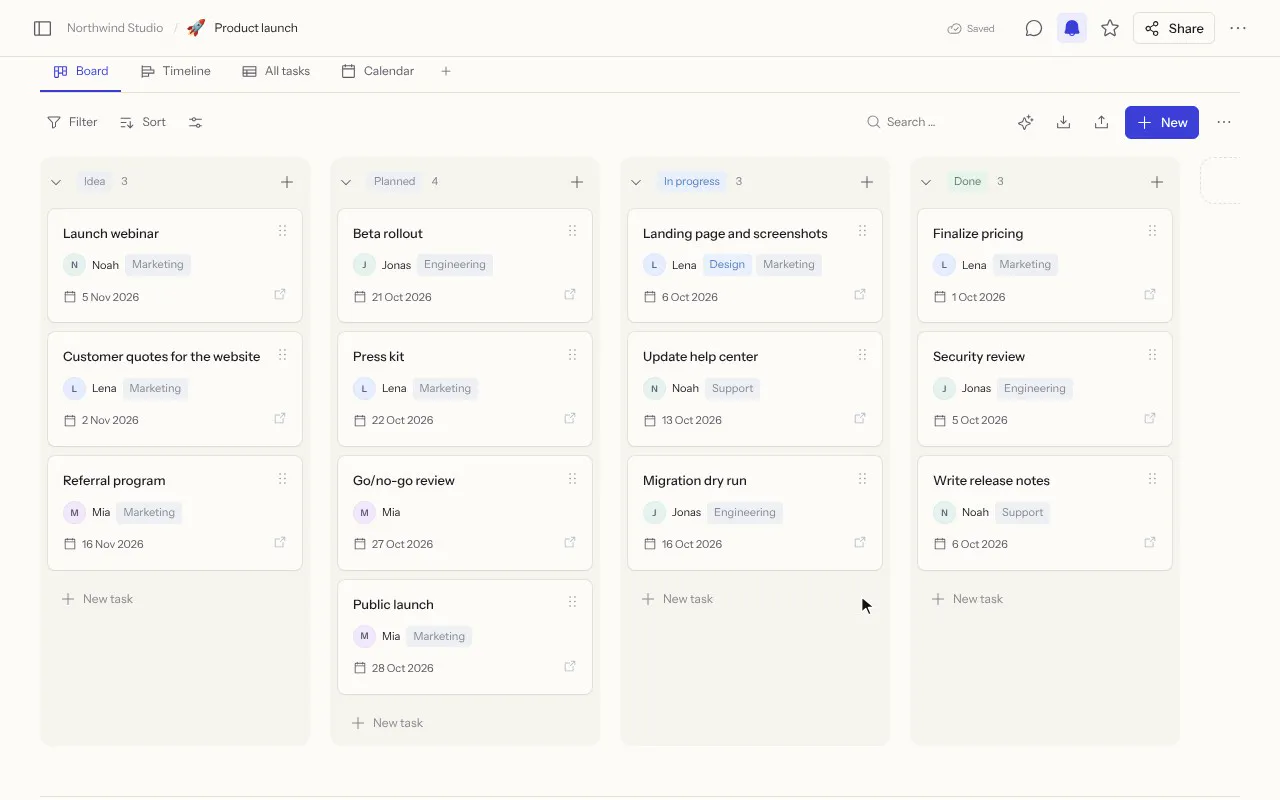
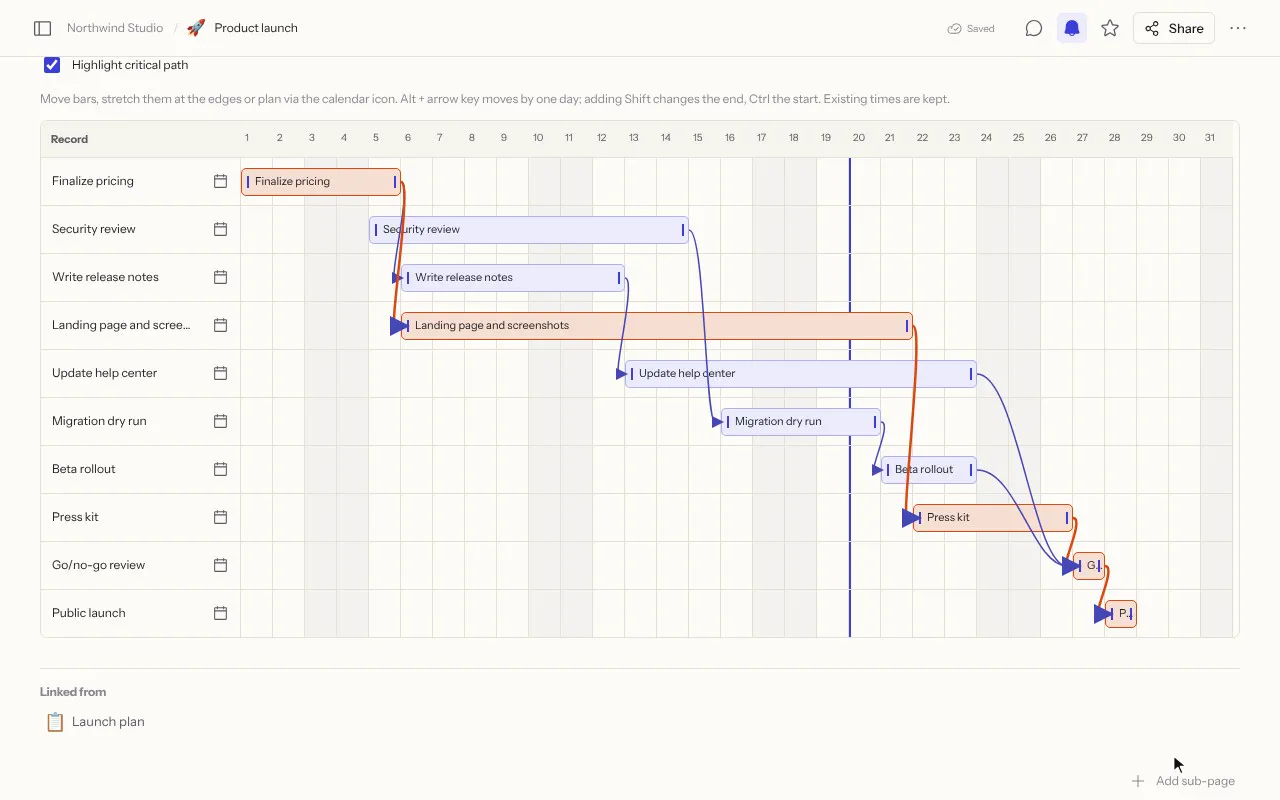
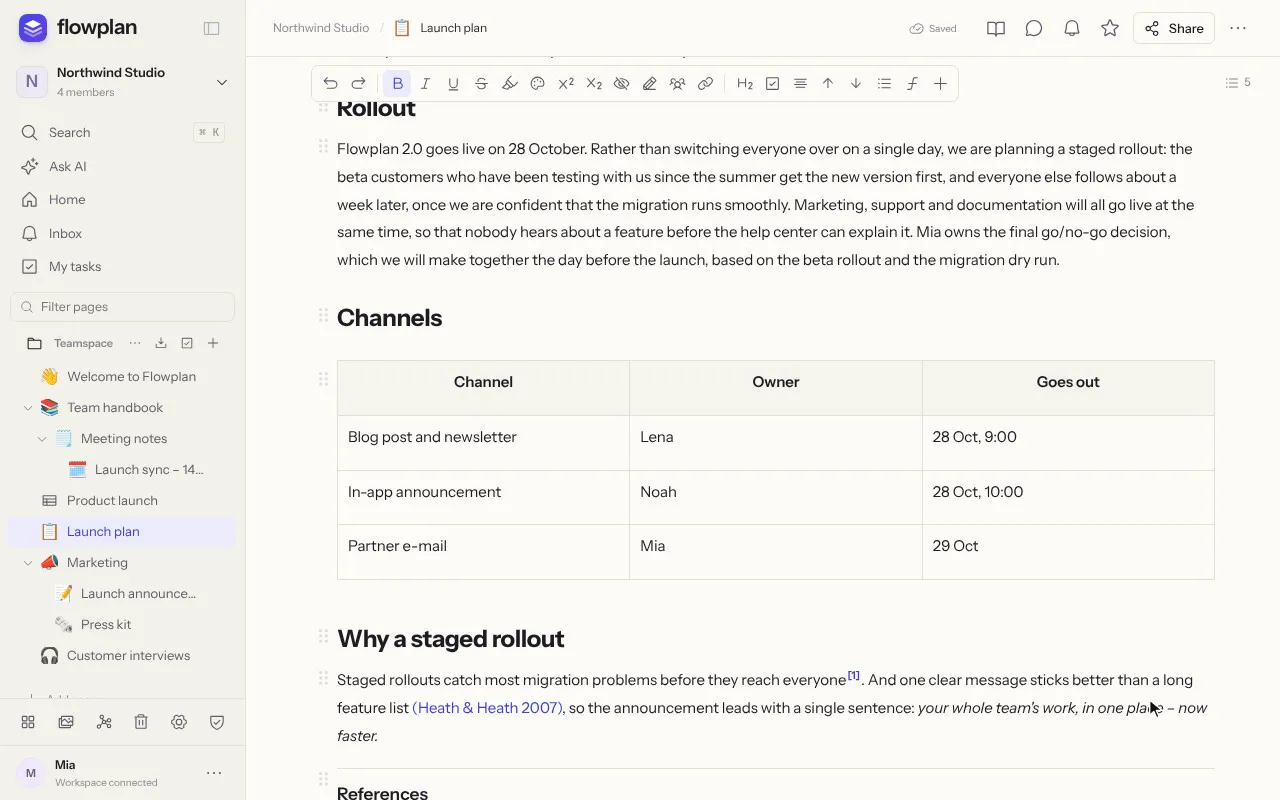
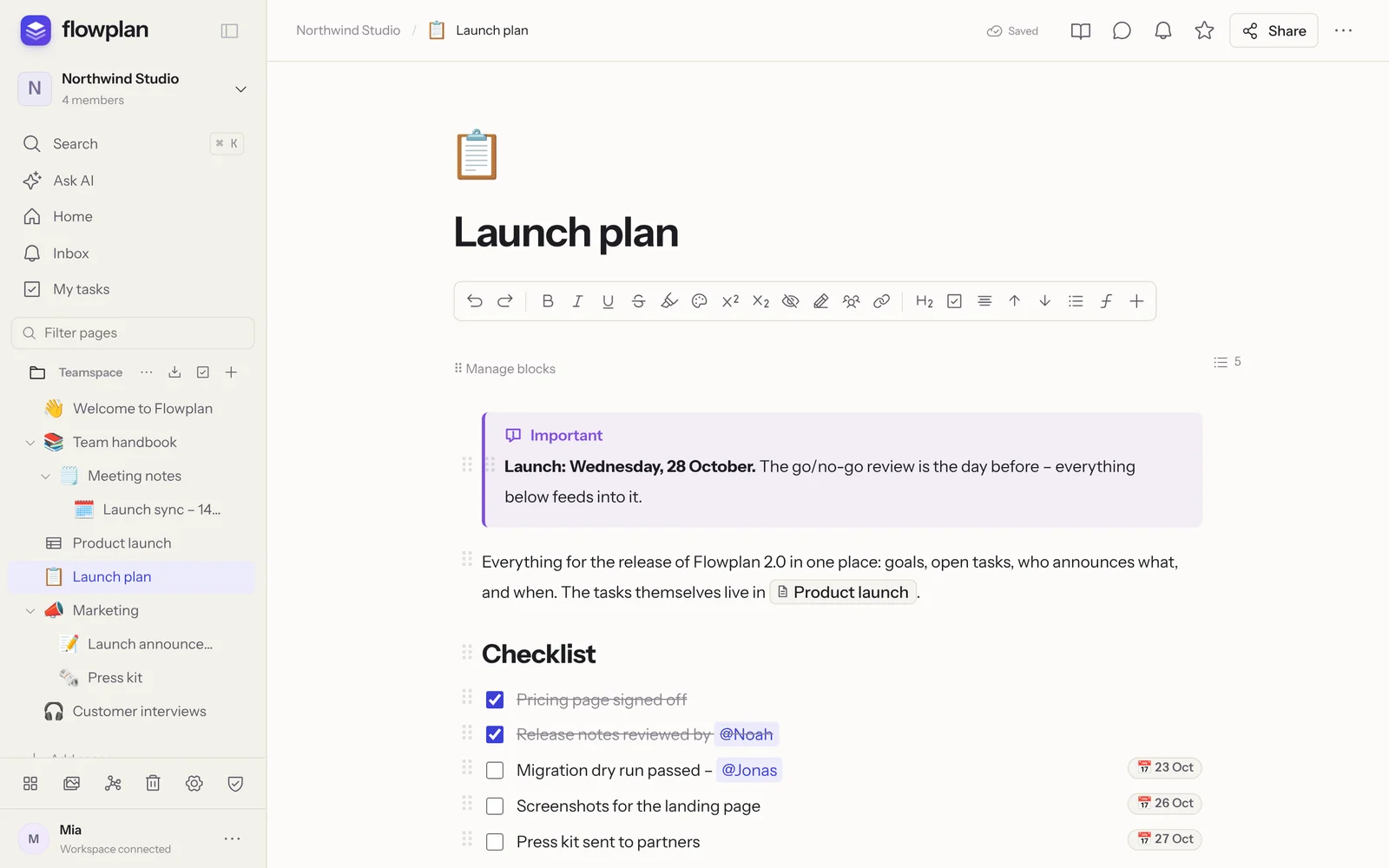
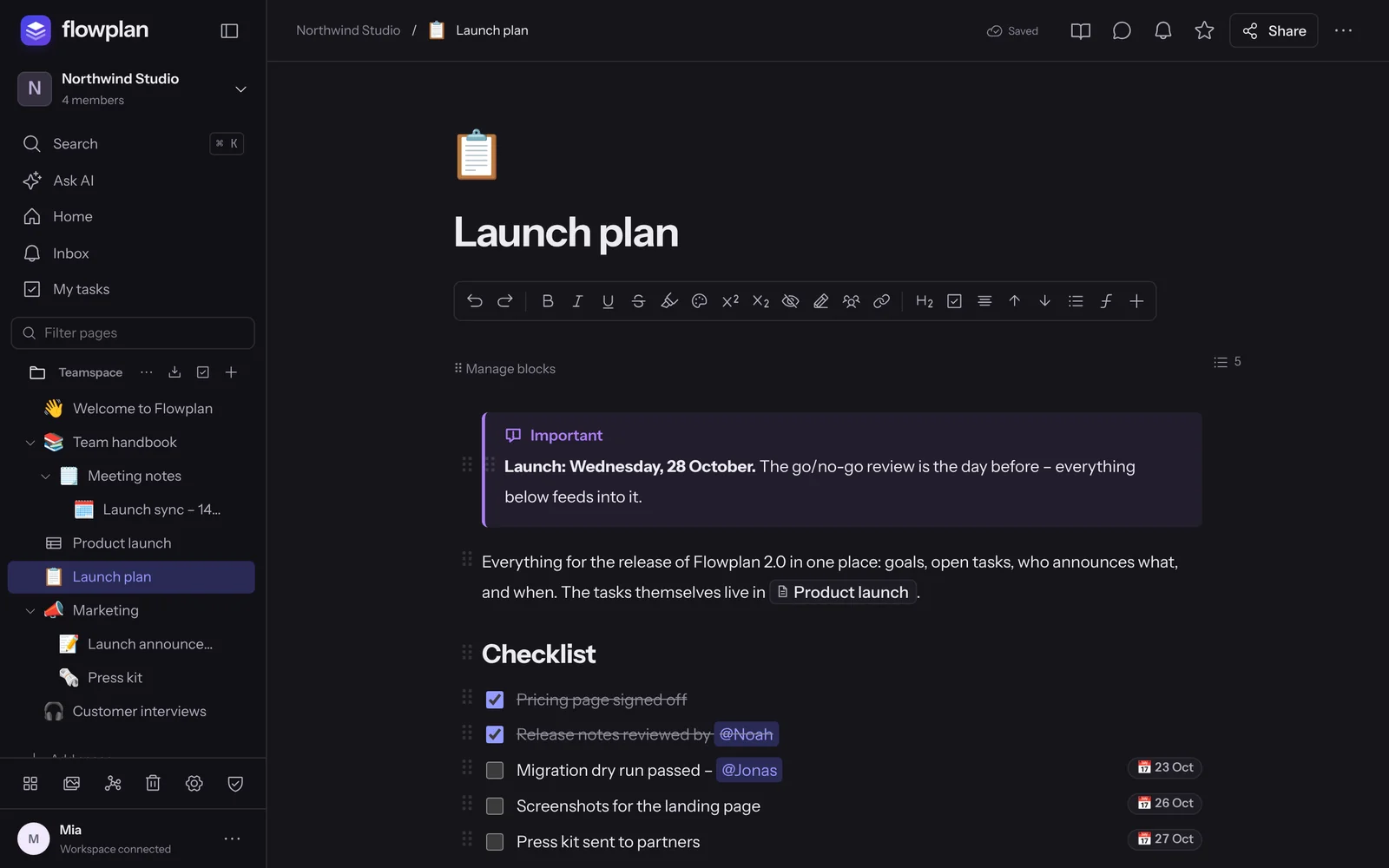
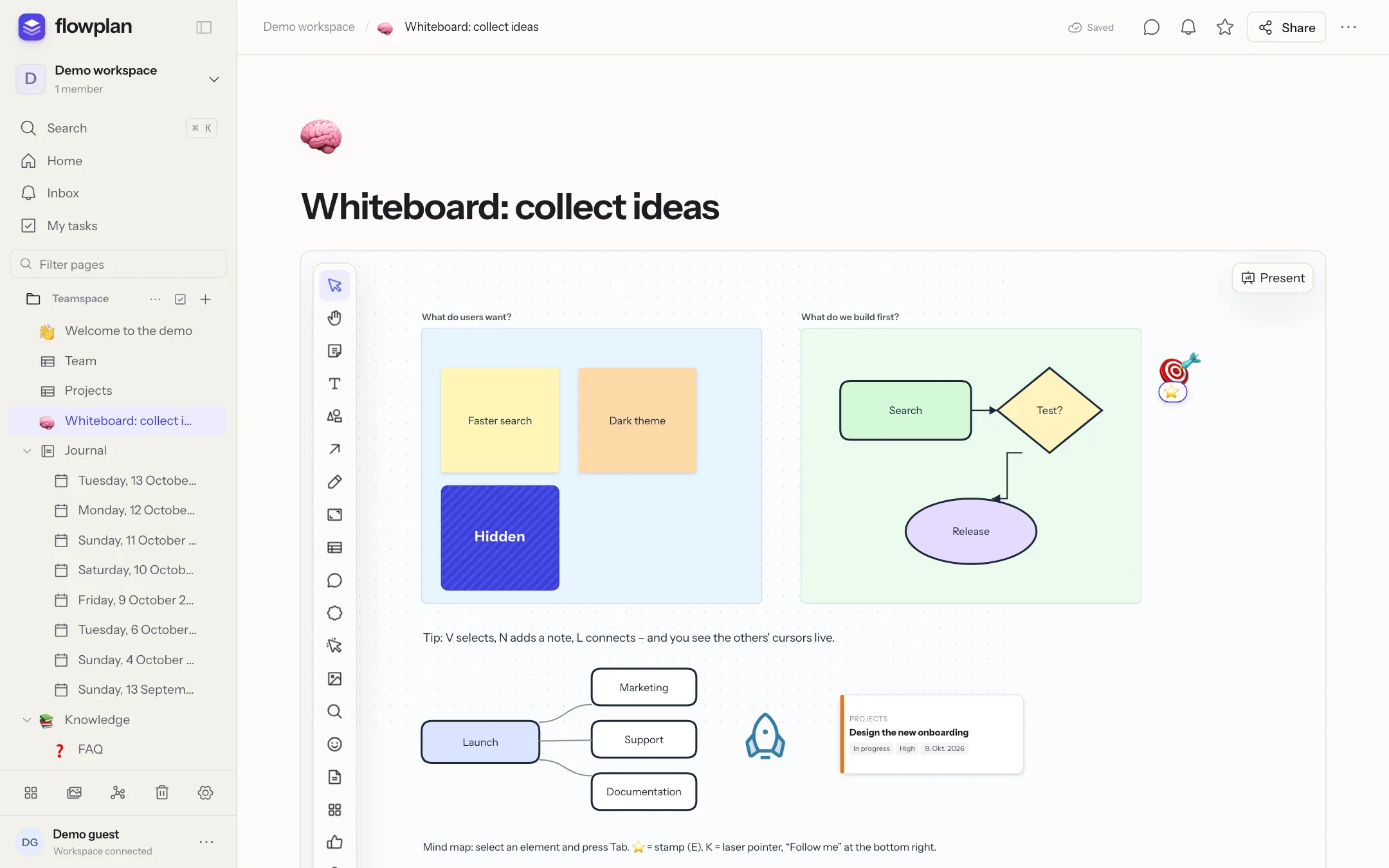
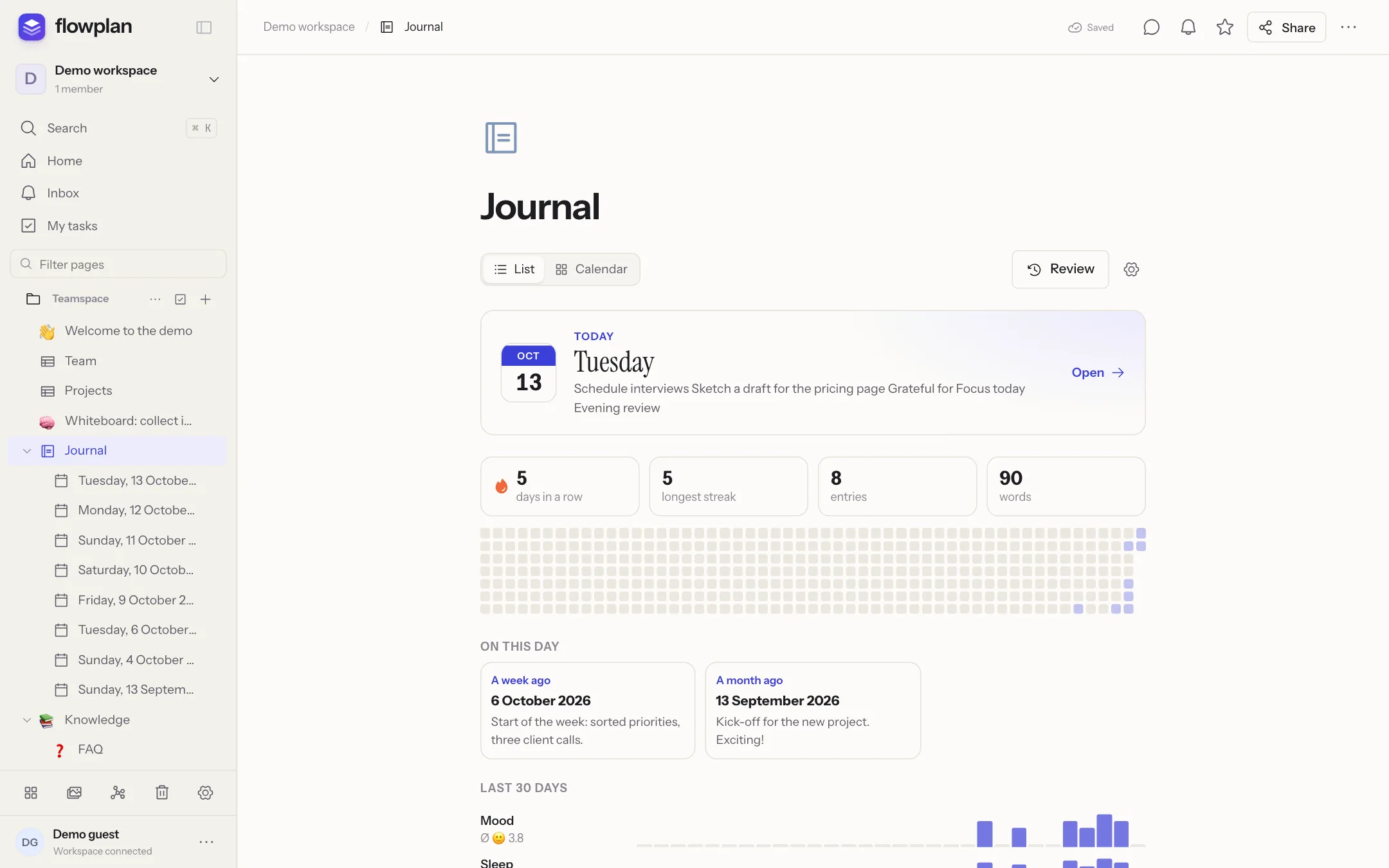
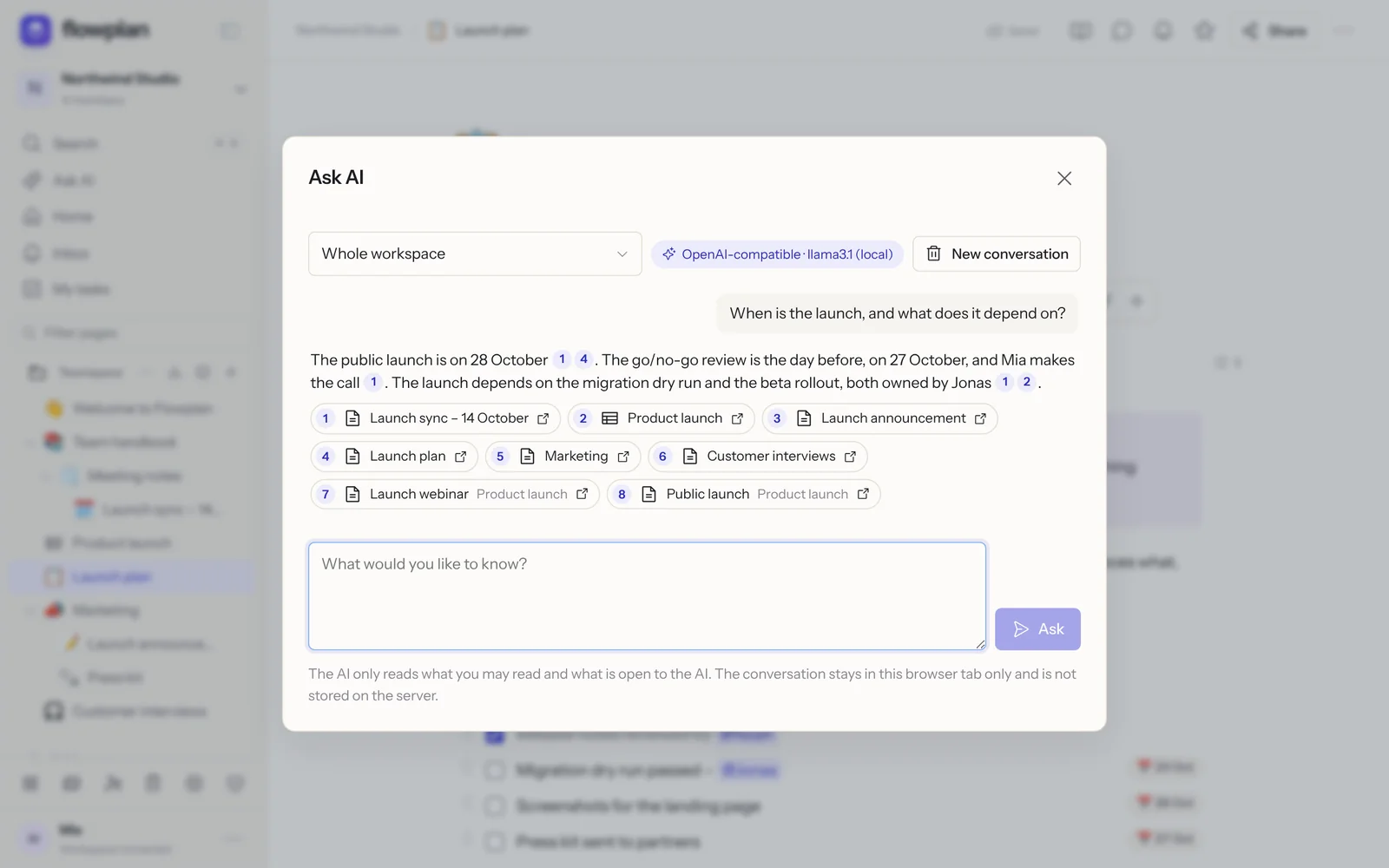
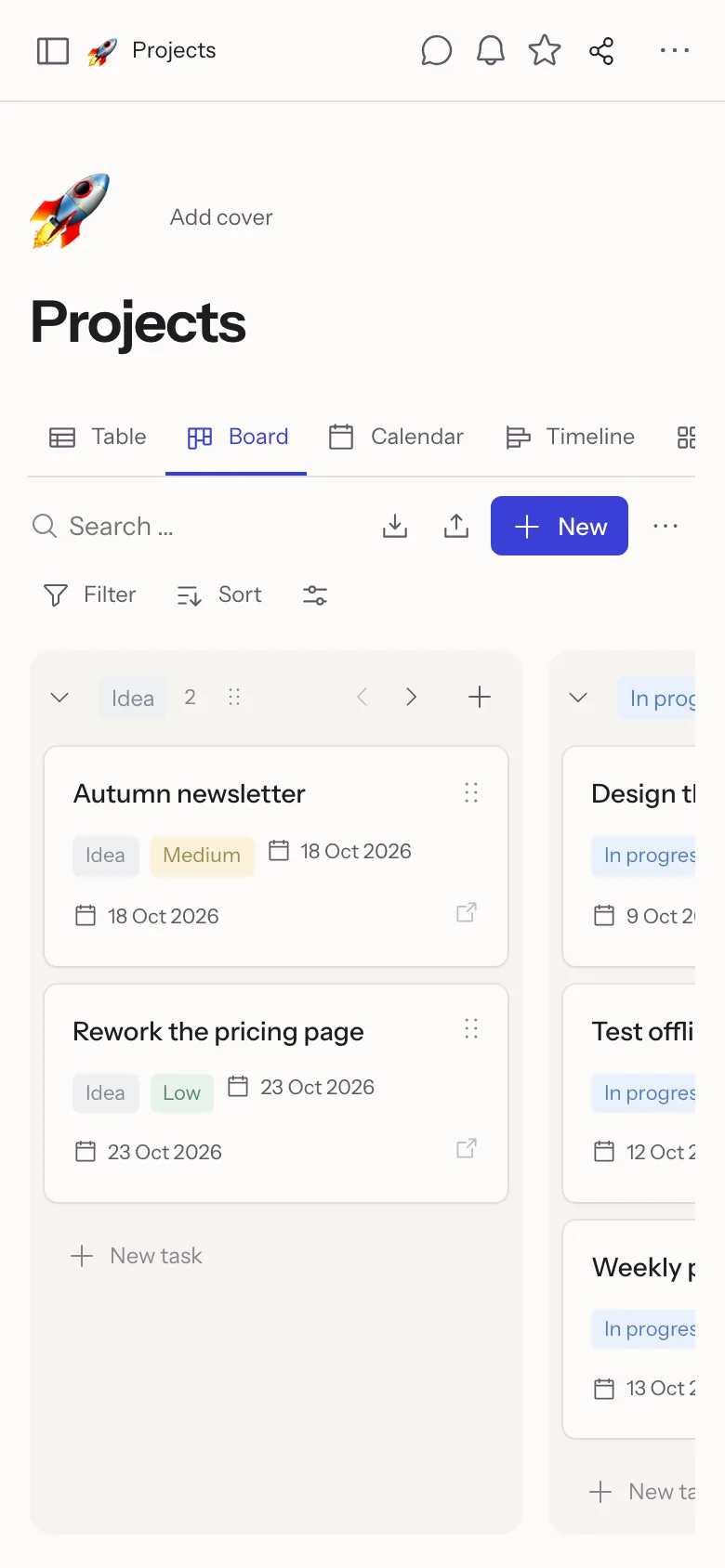
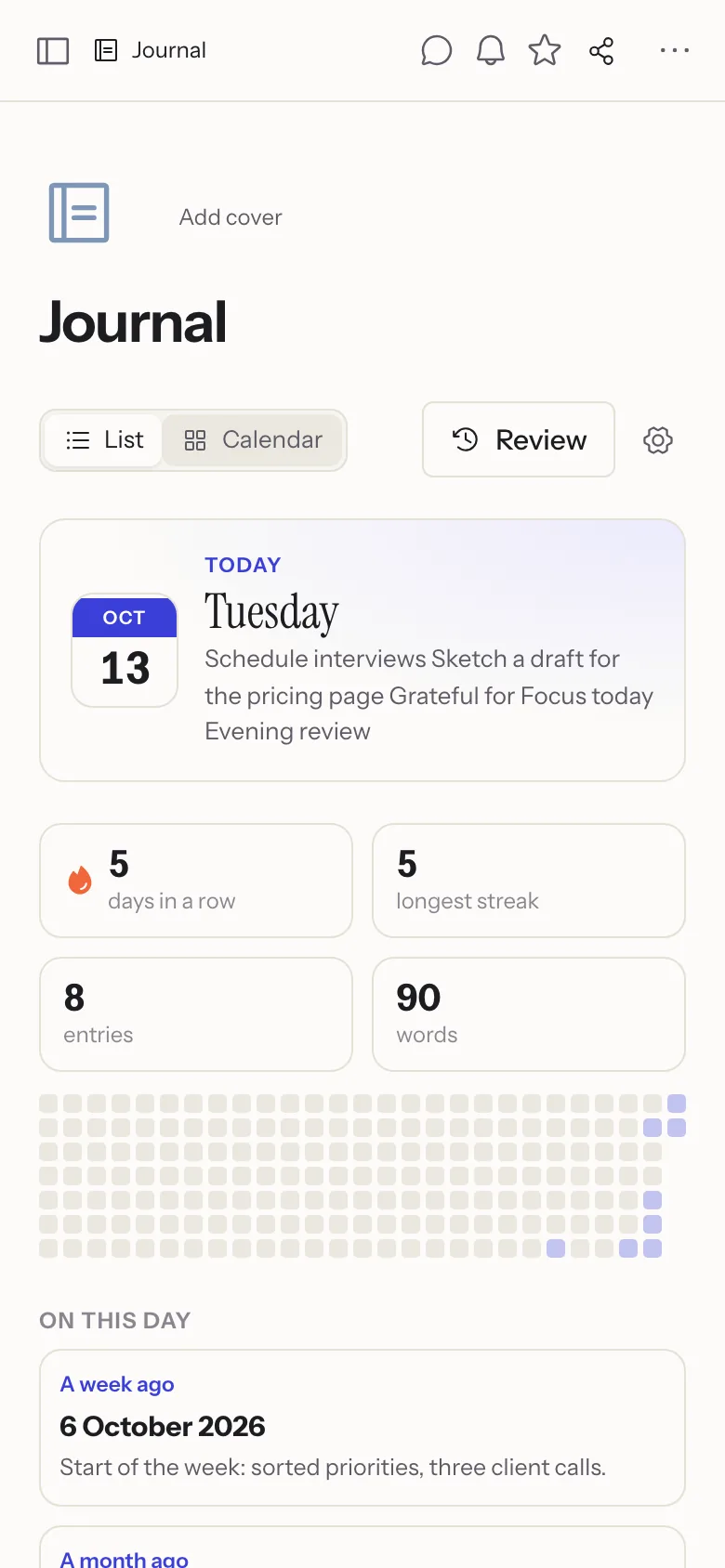
The real app with sample data – as full-size PNG.
A few rules so Flowplan looks like Flowplan everywhere.
Clear space all around: at least half the height of the icon.
Minimum size: icon 16 px, logo 20 px high (print: 6 mm).
Questions, interviews or access to try it out? Get in touch – for bugs and feature requests, GitHub works best.